Whether a transcript comes from QInsights' built-in transcription or from another service, the way speakers are labeled matters - it determines whether QInsights can reliably tell respondents and interviewers apart.
Formatting speaker IDs
When analyzing interview and focus group transcripts, you may want to attach metadata to speakers - age, gender, region, education, profession - for filtering or for prompts like "Do respondents from different educational backgrounds differ in their response to…?"
QInsights recognizes speakers reliably when the format is a name followed by a colon, for example Alexander:.
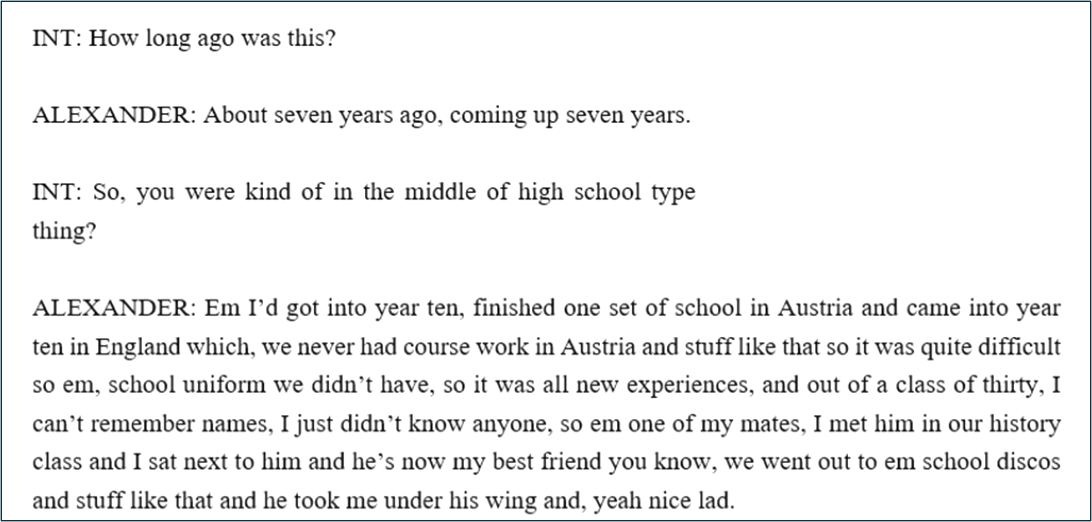
Don't use generic speaker IDs - labels like R:, Speaker 1, or Speaker A make it hard to distinguish respondents across multiple documents or focus groups later in analysis.
If you're transcribing or anonymizing the data yourself, use unique made-up names per respondent instead of generic placeholders - see the Data Anonymizer Tool if you need to de-identify real names first.
Uploading a transcript prepared elsewhere
- Click Upload New File and select Detect Speakers.
- Click Proceed, then select the file.
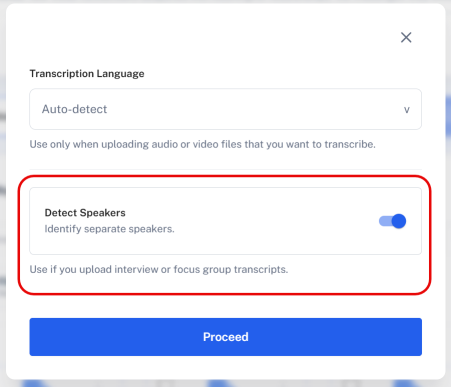
Processing takes a few minutes - QInsights isn't just uploading the file, it's preparing it for analysis. When processing finishes, the Data Context panel opens automatically so you can assign a role to each detected speaker. If the transcript uses generic labels like Speaker A / Speaker B, you may need to open the document preview first to work out who is who - you can edit roles at any time. See Data Context for the full role-assignment workflow.
Checking and editing transcripts
Open the three-dot menu on a transcript's document card and choose Edit to review the text alongside the source audio or video.
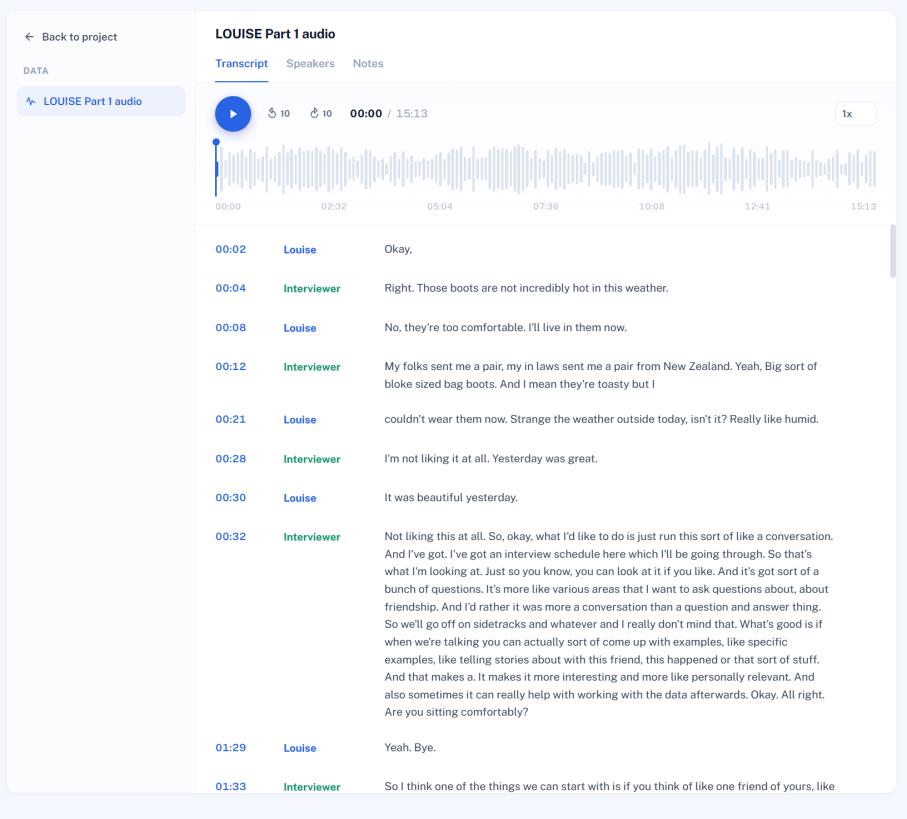
- Click a timestamp to jump playback to that point.
- Double-click inside the text to correct it.
- Use the Speakers tab to rename detected speakers - names are saved for the transcript and reused across analysis and references.
- Playback controls let you jump ±10 seconds and adjust speed (0.75x–2x).
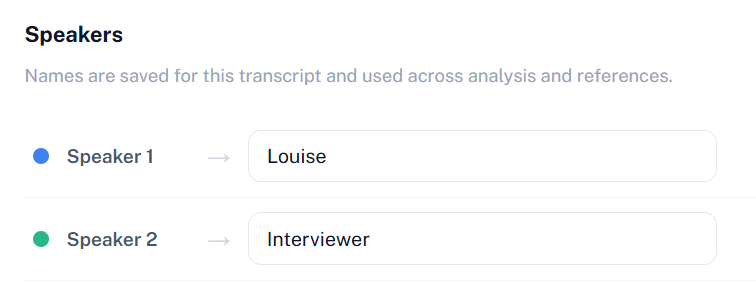
Once names are correct, open Data Context to assign each speaker's role - Respondent, Interviewer / Moderator, or Exclude.
Next steps
Continue to Data Context to finish assigning roles and characteristics, then Filters to select documents for your first analysis.