QInsights lets you share a project with colleagues - useful when working in a research team or getting a second opinion on your analysis. Project sharing works for any QInsights account and isn't limited to team licences.
Sharing a project
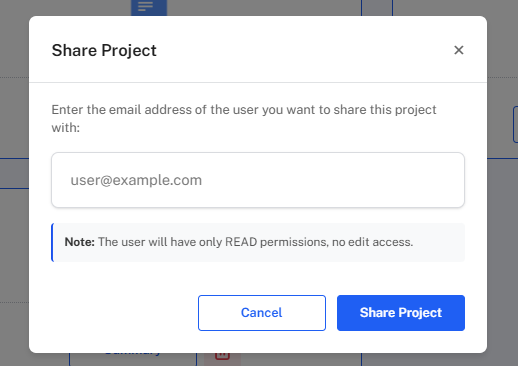
- Click Share Project at the top left of your project space.
- Enter the email address your teammate uses for their QInsights account and click Share Project. They'll receive an email notification with access details.
What shared teammates can do
Once shared, a teammate can:
- see every analysis saved in the Analysis Archive
- run new analyses and add results to the project
- interact with the data just as you would
To protect the integrity of your dataset, invited teammates cannot delete documents from the project.
This makes it straightforward to divide work across a team and keep analysis consistent across a shared project.