Guided Analysis supports a focused, step-by-step exploration of one selected topic within your project - moving from an initial area of interest to a deeper understanding through a structured sequence of analytic questions.
A good starting point is to run a Theme Analysis first: the themes can help you identify a topic worth exploring further. This mode is also a good fit if you're new to qualitative analysis and want a more guided experience than open Conversational Analysis.
Starting a guided analysis
- Select the documents you want to analyze.
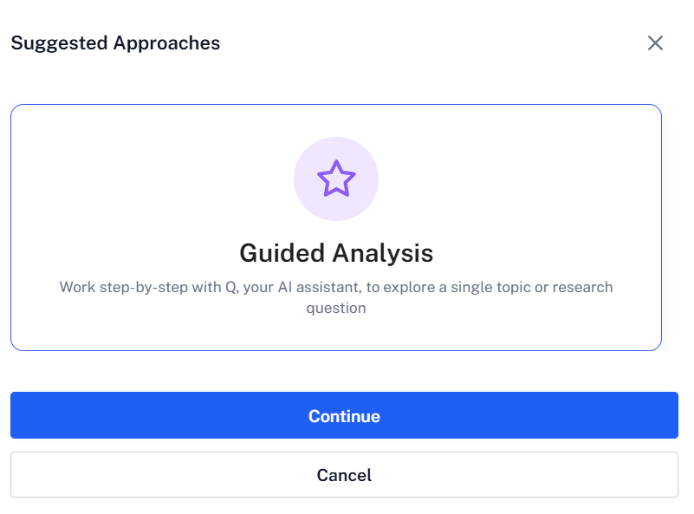
- Click Analyse and choose Guided Conversational Analysis, then Continue.
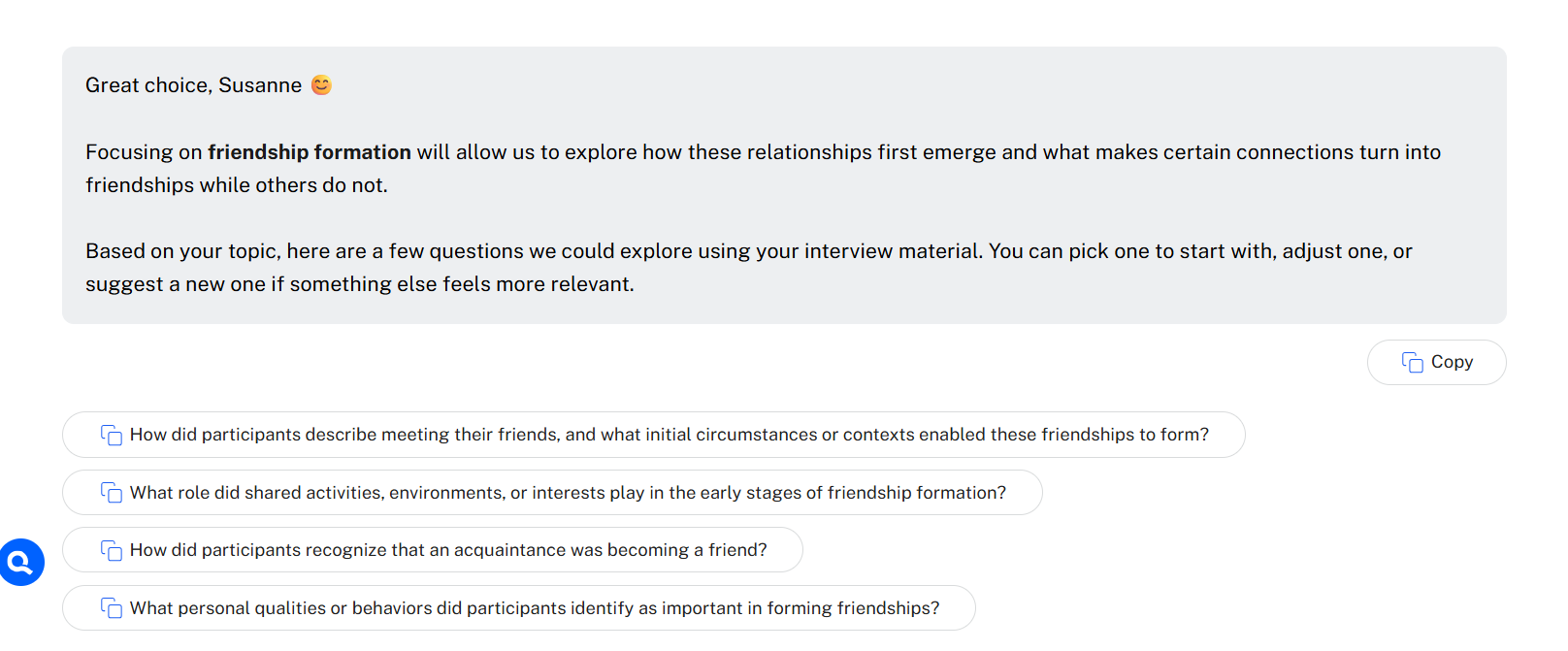
- Q asks which topic or research question you'd like to work on - describe it as specifically as you can; the more specific the topic, the more focused Q's guidance will be.
Based on your topic, Q proposes four analytic questions. Click any suggested question to place it in the query field and run it, or ask your own question, modify a suggestion, or follow your own direction within the topic.
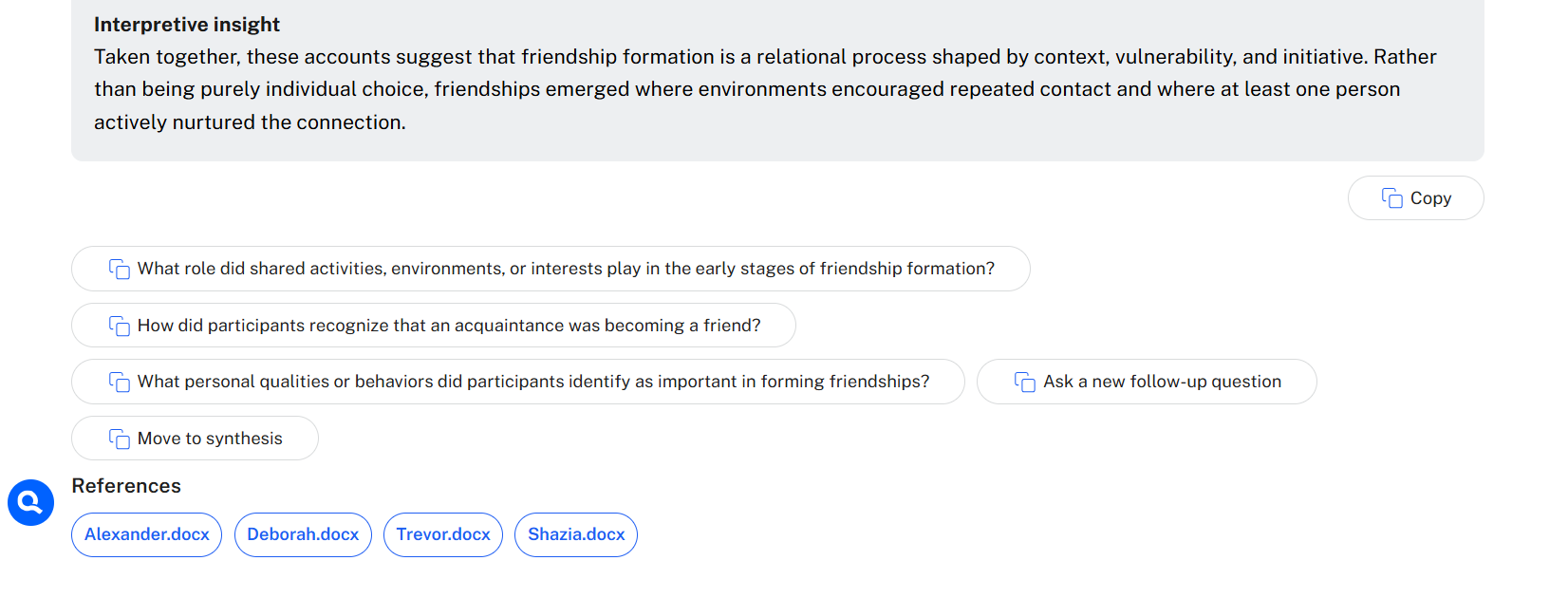
After each answer, three of the four original questions remain available, alongside options to ask a new follow-up question or move to synthesis.
Tip: if a follow-up suggestion looks interesting but pulls you away from your current thread, note it down for a separate chat rather than following it immediately - staying with what you set out to ask keeps the analysis focused.
Synthesizing your findings
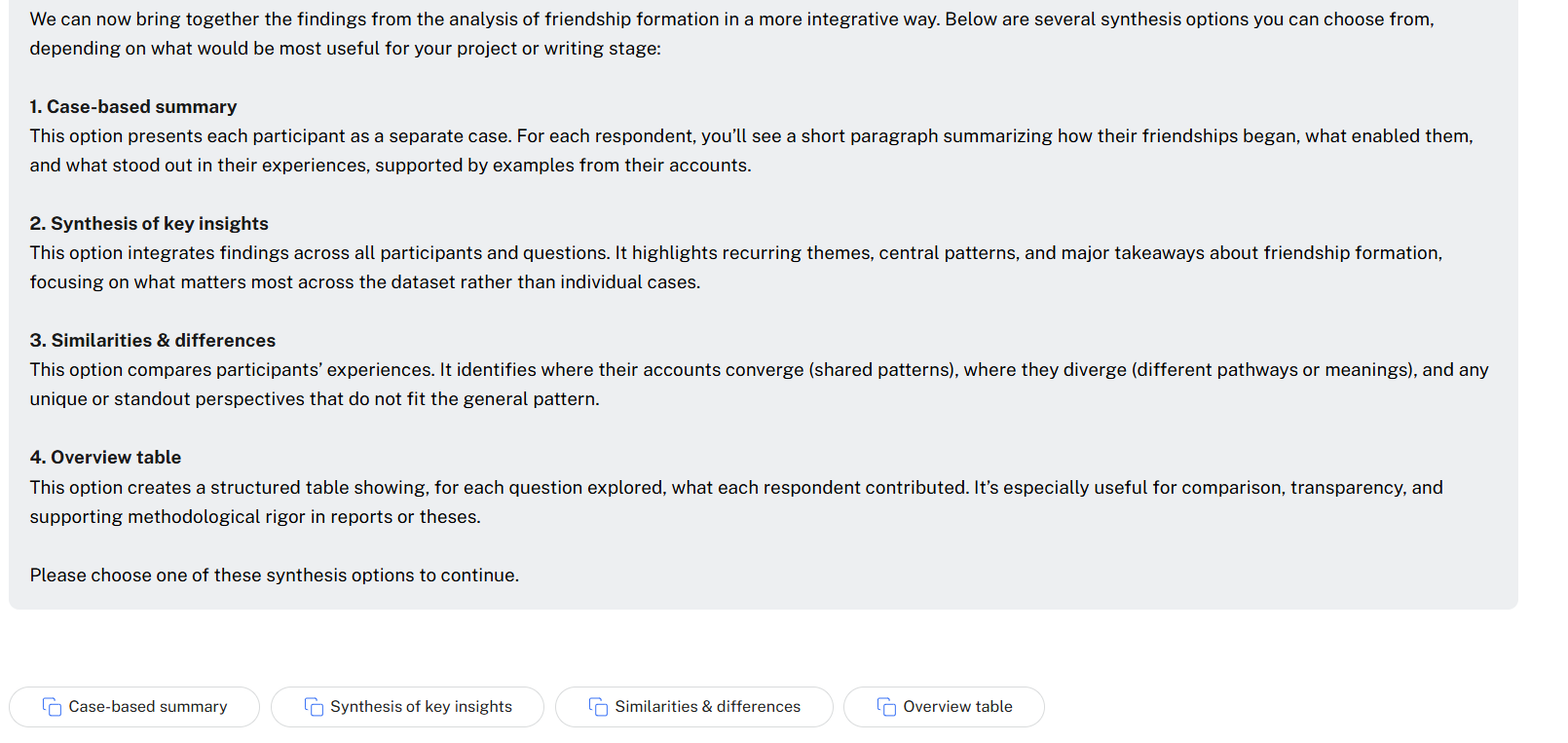
Once you've worked through the guided questions - or feel the topic is saturated - move to synthesis. Four options are available:
- Case-based summary - one paragraph per respondent, with supporting examples
- Synthesis of key insights - an integrated summary across all participants and questions
- Similarities and differences - where accounts converge, diverge, and any standout or unique perspectives
- Overview table - a structured table of what each respondent contributed, per question explored
You can use one option or several, depending on how you want to conclude the analysis.
When to use which option
| Dataset size | Best options |
|---|---|
| Small (about 1–6 respondents) | Case-based summary or Overview table - both preserve the individual case perspective |
| Larger datasets | Synthesis of key insights or Similarities and differences - case-based summaries get thin and overview tables get unwieldy at scale |
Wrapping up
After selecting one or more synthesis options, choose Wrap Up - Q suggests a name for the chat and reminds you to save it to the Analysis Archive, where it stays available for later reference or as a building block for your report.
If Q doesn't offer a clear next step at any point, simply ask: "What is the next step?"
Next steps
For an unstructured version of this same exploration, see Conversational Analysis. To compare responses respondent by respondent instead, see Grid Analysis.