
Besides transcripts, you can also analyze other text data in Word or PDF format - reports, observational notes, newspaper or journal articles, and similar material.
If you're adding one of these documents, click Upload New File, select the document you want to upload, and click Proceed directly - there's nothing to be transcribed, and no speaker to be detected.
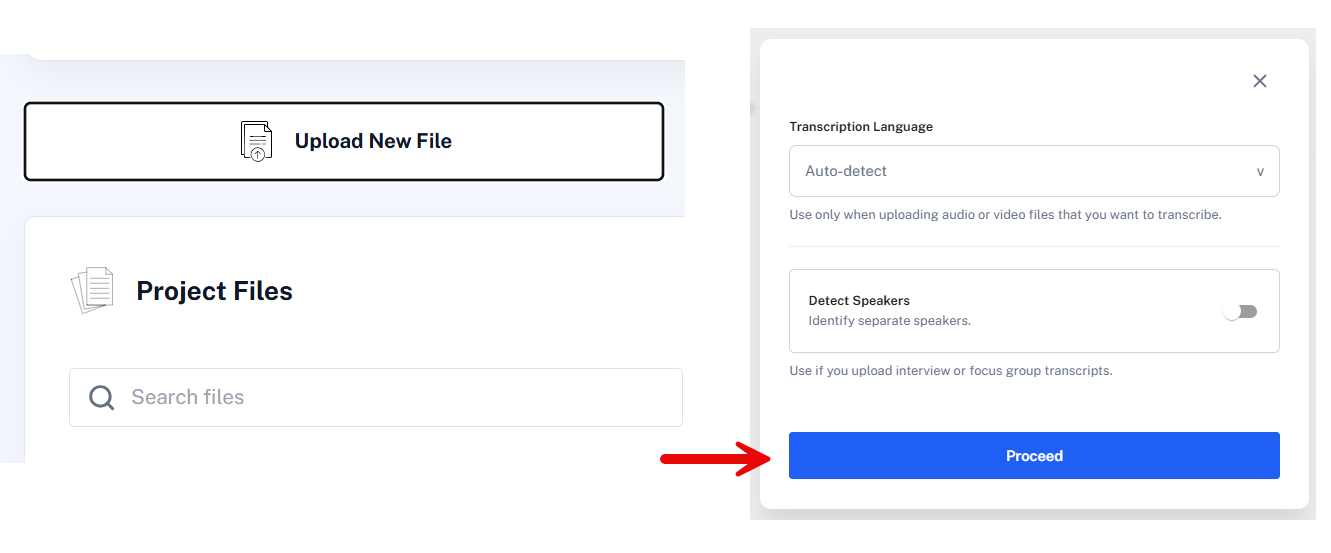
If the document you're adding is actually an interview or focus group transcript, use Adding Transcripts Created Elsewhere instead, so QInsights can detect speakers.
Next Steps
Once uploaded, configure Data Context - for example, adding document characteristics such as source, year, or type - before selecting the file for analysis.