Guided Analysis supports a focused, step-by-step exploration of one selected topic within your project. It is designed to help you move from an initial area of interest to a deeper understanding through a structured sequence of analytic questions.
A good starting point is to run a Topic Analysis first. The topics can help you identify an area that is worth exploring further. Once you have chosen a topic, you can open Guided Analysis and continue with a more focused investigation.
How Guided Analysis Works
When Guided Analysis starts, Q greets you and asks which topic you want to explore. At this stage, it is helpful to describe the topic as clearly as possible. The more specific the topic, the more focused Q’s guidance will be in the following steps.
Based on the topic you provide, Q proposes four analytic questions that can help you explore the topic in more depth. You can click on any suggested question to place it into the query field and continue directly. You are not limited to the suggested questions. At any point, you can:
- ask your own questions
- modify a suggested question
- follow your own analytic direction within the topic
Synthesis at the end of the guided process
After you begin working through the guided questions, synthesis options become available. These are designed to help you bring the results of the chat together in a more integrated form.
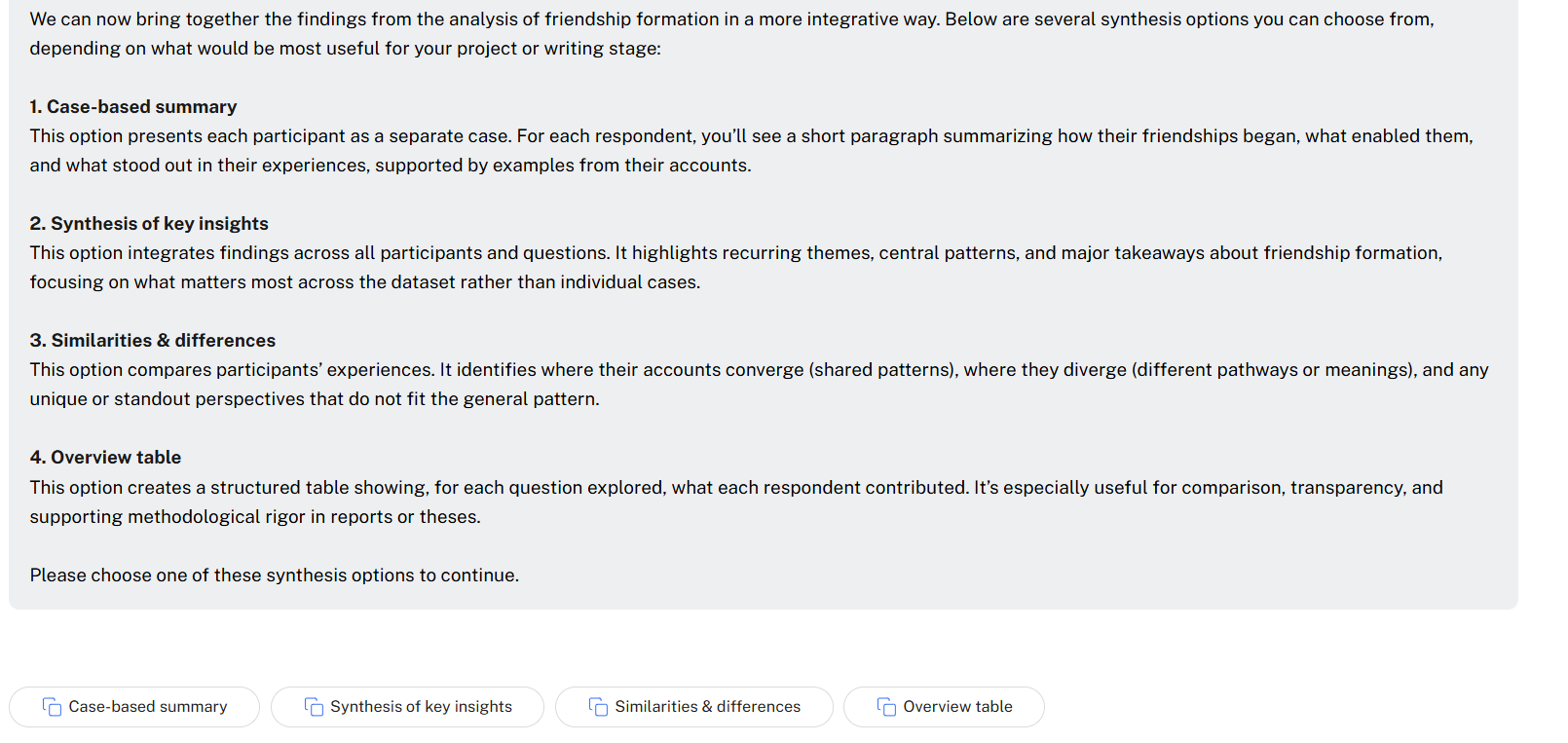
The available synthesis options include:
- Case-based summaries
- Synthesis of key insights
- Similarities and differences (unique perspectives)
- Create an overview table
You can use one or several of these options, depending on how you want to conclude the analysis. Some users will want to review all synthesis options, while others may select only one and then end the chat.
Starting a Guided Analysis
- Select the documents you want to analyse.
- Click on Analyse and choose the Guided Conversational Analysis option.
Wait for a bit. After a few seconds, Q will greet you with:

You might answer:

Q is then proposing 4 questions that you can use to explore this topic in more depth:
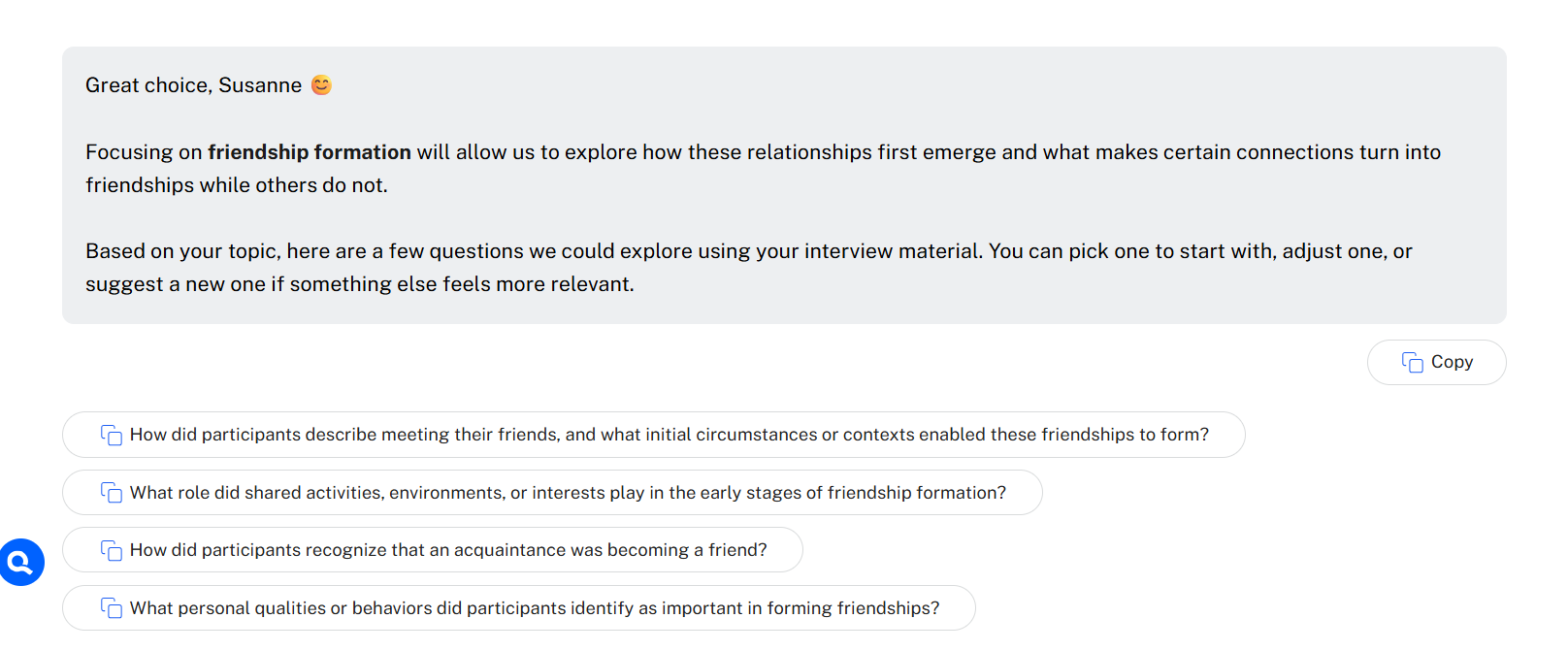
If you click one of the suggested questions, it will be entered in the query field and you can click run.
When Q responds, you will find three of the four questions below the response, and an option to ask a follow-up question or to synthesize the chat:
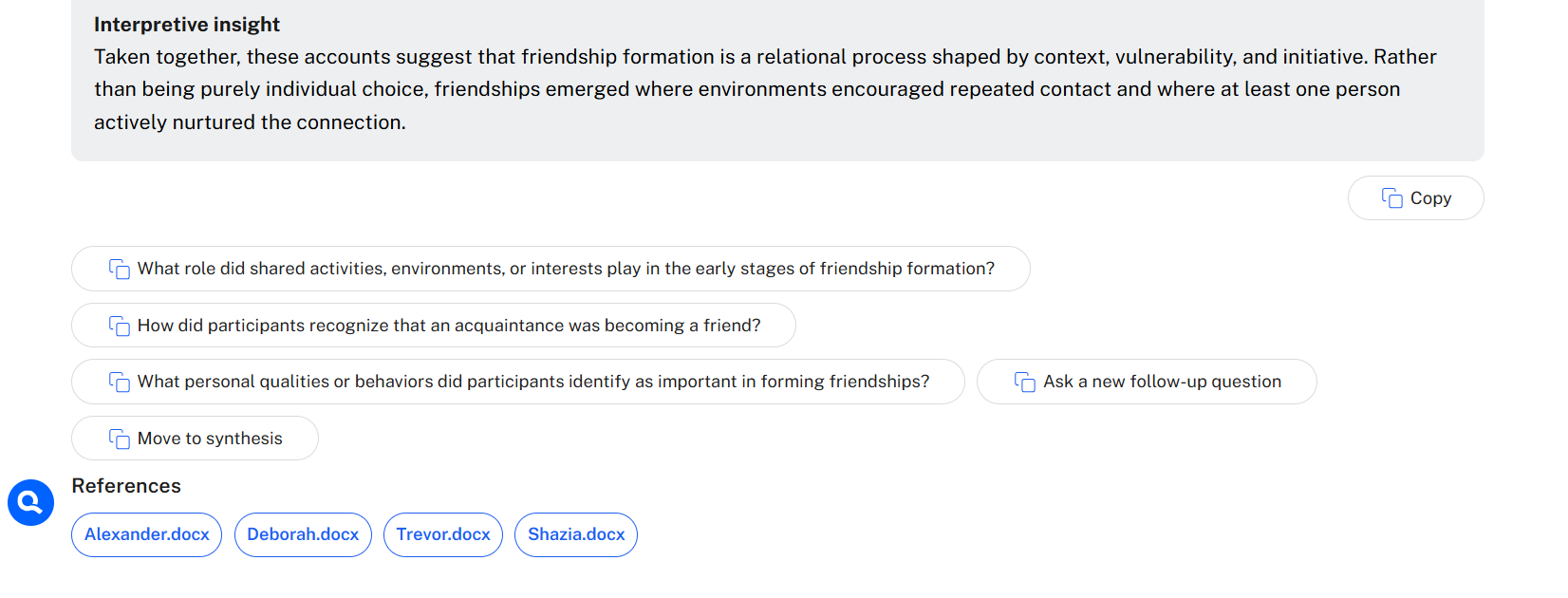
Read the answer carefully and then decide what you want to do.
If you select, ask a new follow-up question, Q suggests some questions. However, it is better at this point to stick with what you wanted to ask based on reading the answer.
The questions suggested by Q might be very interesting, but they also might lead you in a different direction and you will loose analysis focus. Thus, if you find them interesting, take a note – and maybe make use of the suggestion in another chat.
If you worked through all questions or have the feeling that the analysis of your topic is saturated, move to synthesising the findings.
Here are your options:
When to Use Which Synthesis Option
The choice depends on the size of your dataset and what you want to do next.
For smaller numbers of documents, especially about 1 to 6, the Case-based summary and Overview table can be very useful. They allow you to stay close to individual cases and compare respondents in a more explicit way.
For larger numbers of documents, these two options become less useful. Case-based summaries may become shorter and flatter, with less detail for each case, and overview tables may become too large to display clearly on the screen.
With larger datasets, Synthesis of key insights or Similarities and differences are usually the better choice, because they bring together the most important patterns across the data without overloading the output.
The Similarities and differences option will also analyse unique cases or perspectives.
Recommended use
As a general guideline:
- use Case-based summary when working with a small number of respondents and you want to preserve the case perspective
- use Overview table when working with a small number of respondents and you want a structured comparison
- use Synthesis of key insights when you want an integrated summary across the dataset
- use Similarities and differences when you want to compare convergences, contrasts, and standout cases across participants
After selecting one or more synthesis options, you will find an option to Wrap Up the chat.
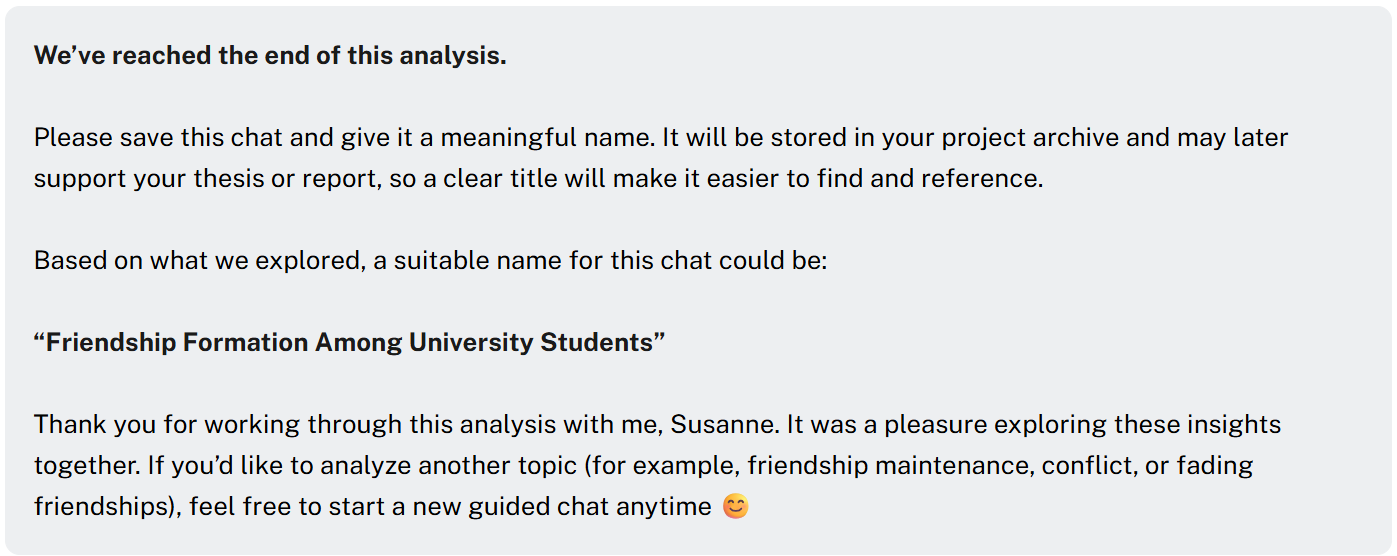
Q will suggest a name for the chat and reminds you to save it: